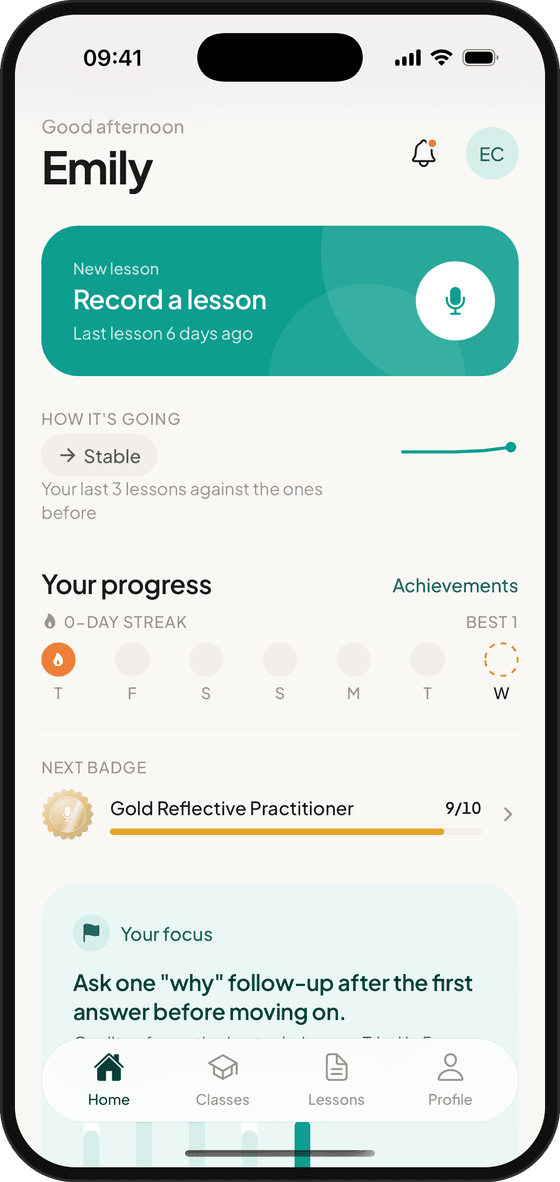
You teach. EducAitor does the rest.
No cameras, no extra paperwork and nothing for learners to do. Recordings are deleted as soon as your report is written, and a detailed, personalised report is ready straight after your session.
Step by step
From pressing start to your next target
- Step 1
Start your session.
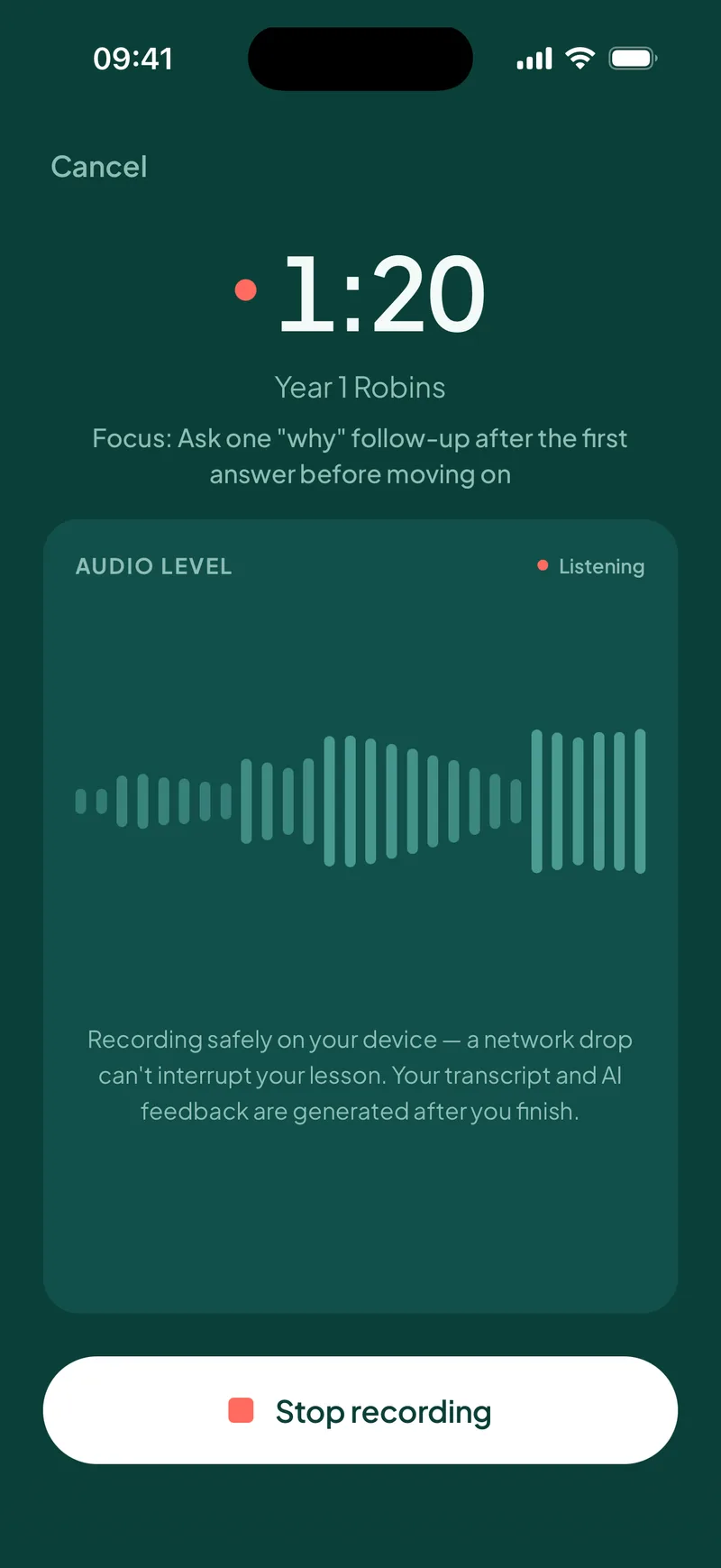
Open EducAitor® on your phone, tablet or desktop and press start. The desktop version works in settings where phones may not be allowed.
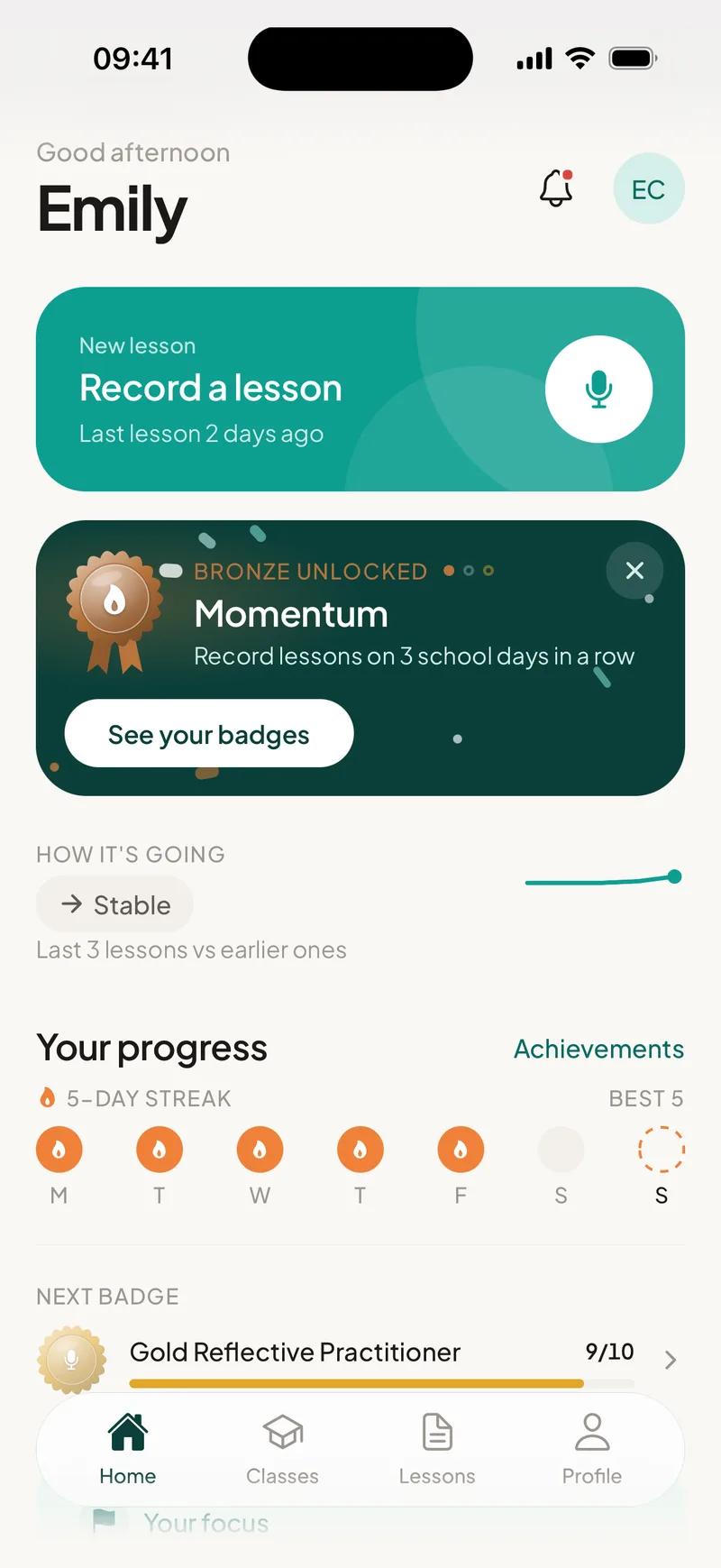
- Step 2
Teach as normal.
Your session is recorded on your device while you teach. There's nothing to manage, and the recording is deleted as soon as your report is written.
- Step 3
Read your report.
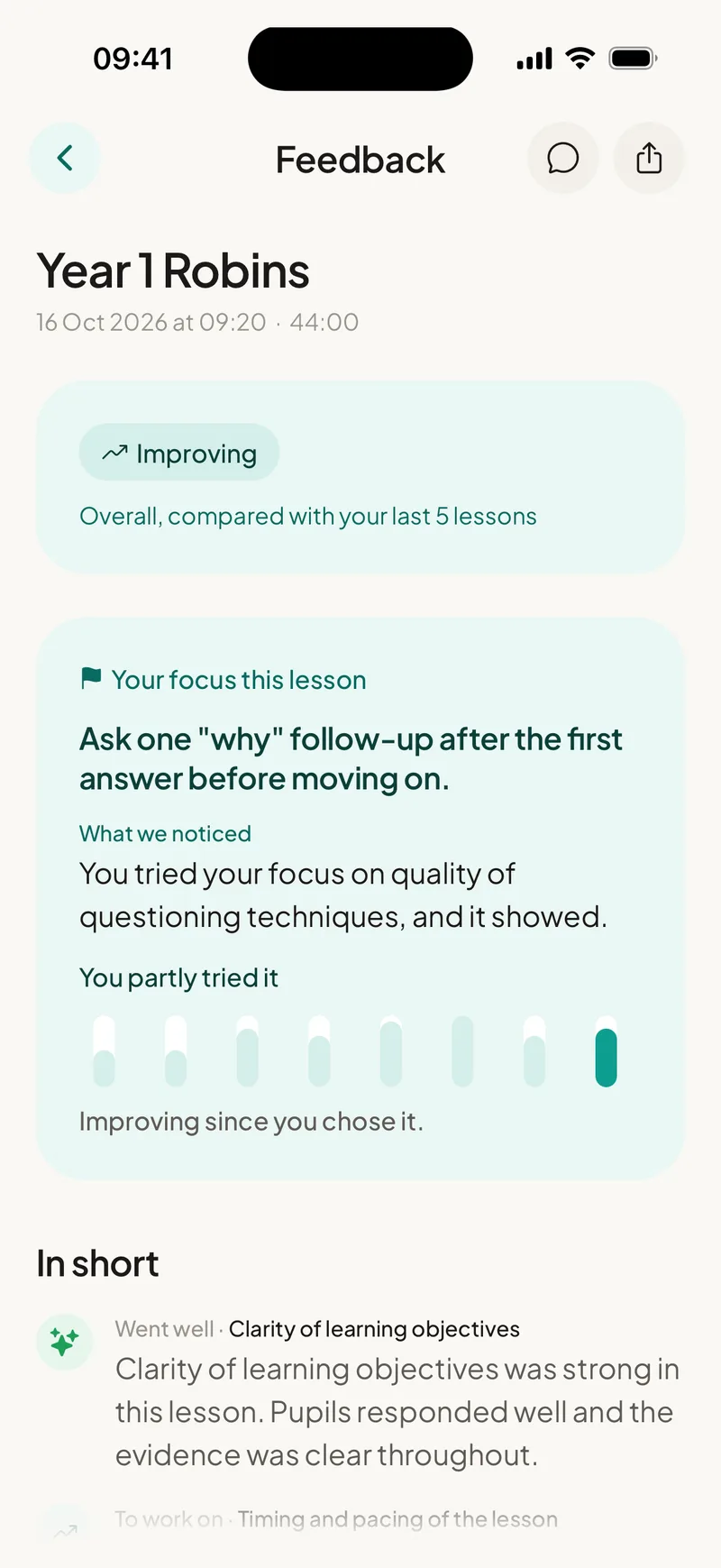
Within about 30 seconds of finishing, your personalised session report is ready.
- Step 4
Reflect, ask and develop.
Reflect on the session, ask EducAitor follow-up questions, choose your focus and practise it next time. Your progress builds session by session.
Your session report
More than feedback. A full picture of your practice.
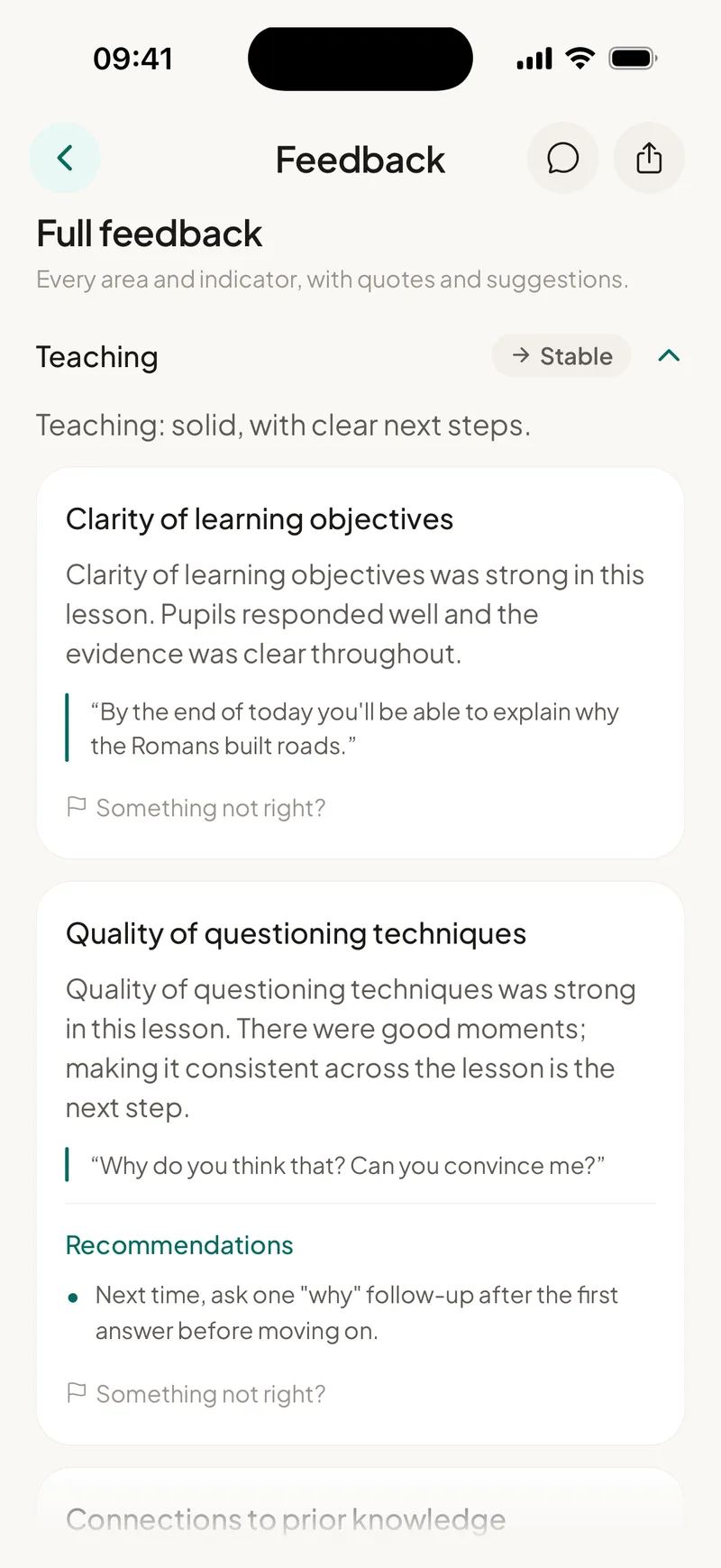
A clear overview of how the session unfolded
Specific moments from your session, quoted back, and why they worked
Where your practice can develop, explained constructively
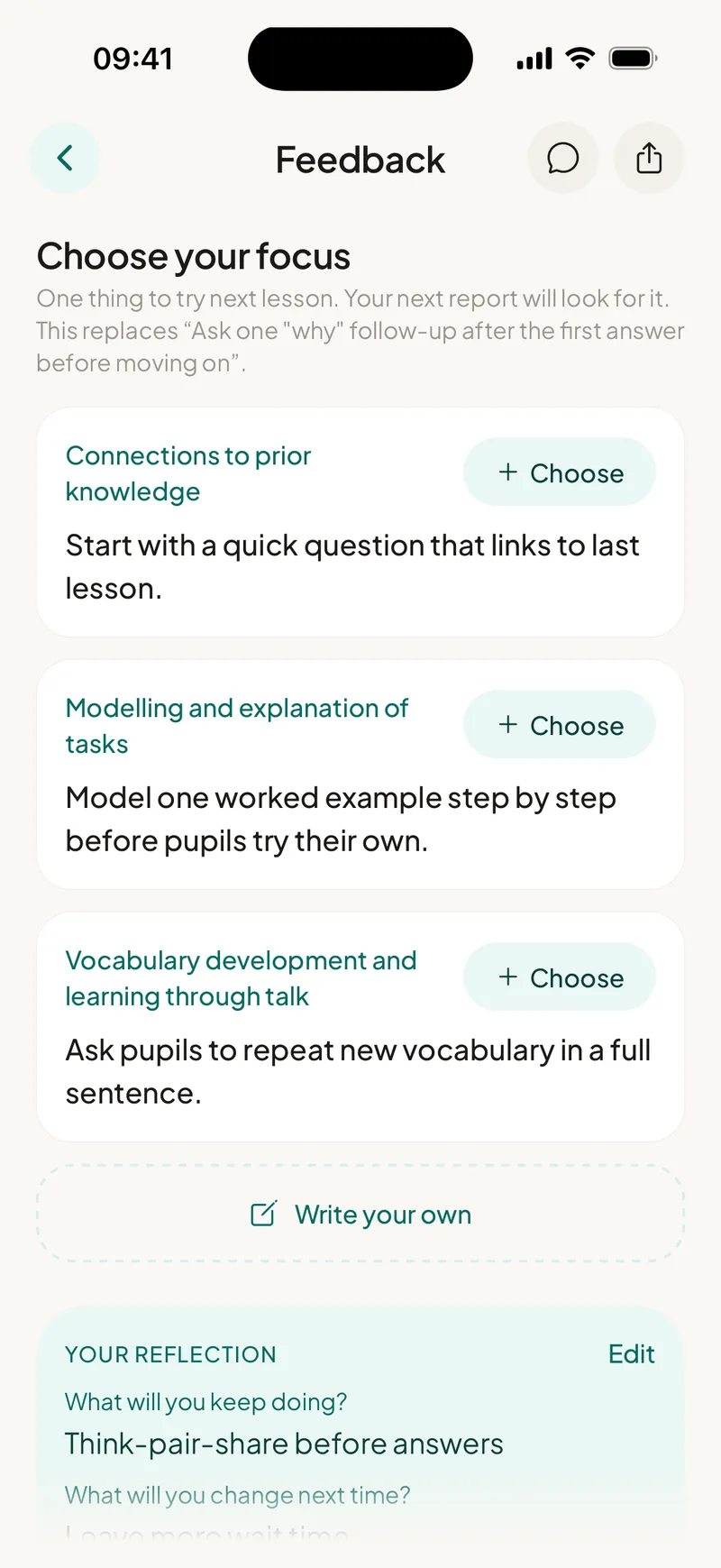
Focused, practical actions to work on in your next session
Your teaching across key areas such as questioning, explanation, checking understanding, feedback, challenge, pace and language, mapped to your framework
Why each suggestion works, linked to established educational research
Questions that help you think through what happened and why
Follow-up questions about your session, answered straight away: what to prioritise, how to try something, what to change next time
How your practice develops across sessions
Short, relevant development content tied to your session
Your framework, your wellbeing
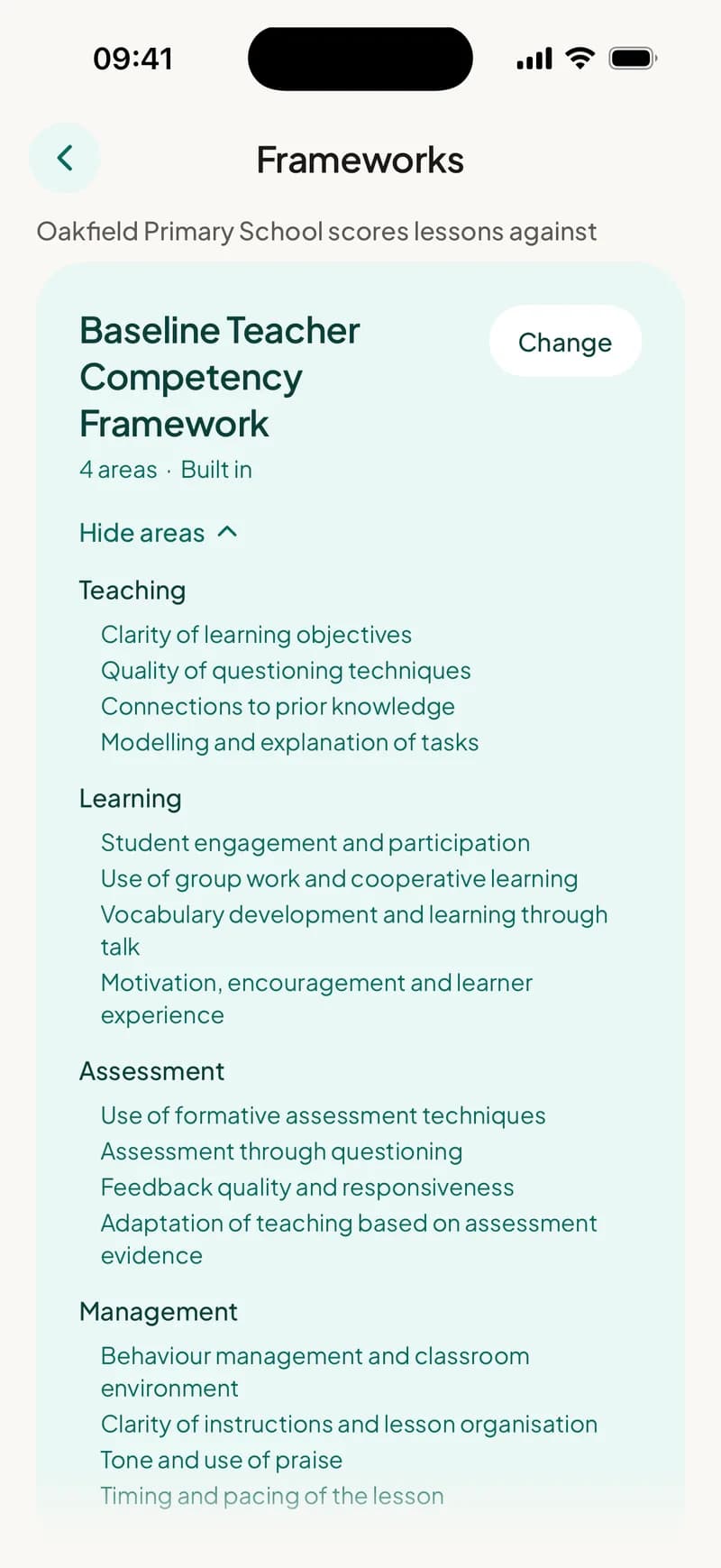
Your framework
Feedback is mapped to the framework you work to, from the Teachers' Standards and the EYFS to the ETF Professional Standards or your own. We can build a bespoke one from your documents.
Wellbeing built in
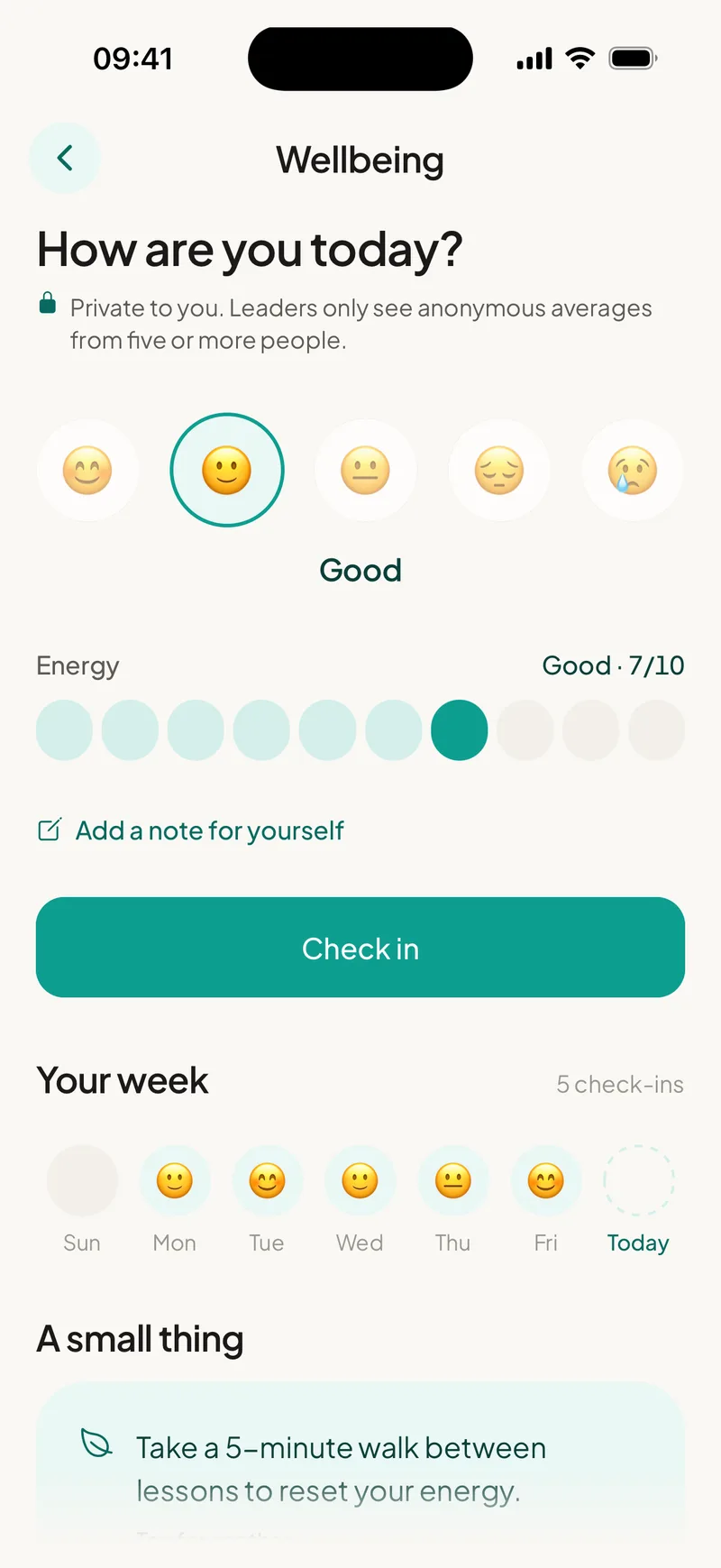
Quick wellbeing check-ins sit alongside every report. Educators can say how they're doing. Leaders see an overview, so support goes where it's needed, early.
Privacy and data
What happens to your data
The short version. Everything else about privacy and security is on our security page.
- Do you ask for learner data?
No. We never ask for learner names, registers or records, and the report is about the educator's practice, not the learners.
- Is audio stored?
Lessons are recorded on your device. When you stop, the recording is uploaded, transcribed and deleted as soon as your report is written. We don't keep lesson recordings.
- Who owns the report?
The educator.
Getting started as an organisation
- 01
Quick set-up
About 15 minutes for the leader on a computer, then a few minutes for each teacher on their phone. We set up your organisation, you nominate your point of contact and staff are invited automatically to register.
- 02
Named support
You get a named EducAitor team member who runs your induction and stays with you every step of the way.
- 03
Shaped by you
Practitioner focus sessions and user groups feed directly into how the platform develops.